
IT
Your IT department
Your IT should just work, so you can concentrate on what you do best. We become your external IT department, with full responsibility, long experience and an eye for quality.
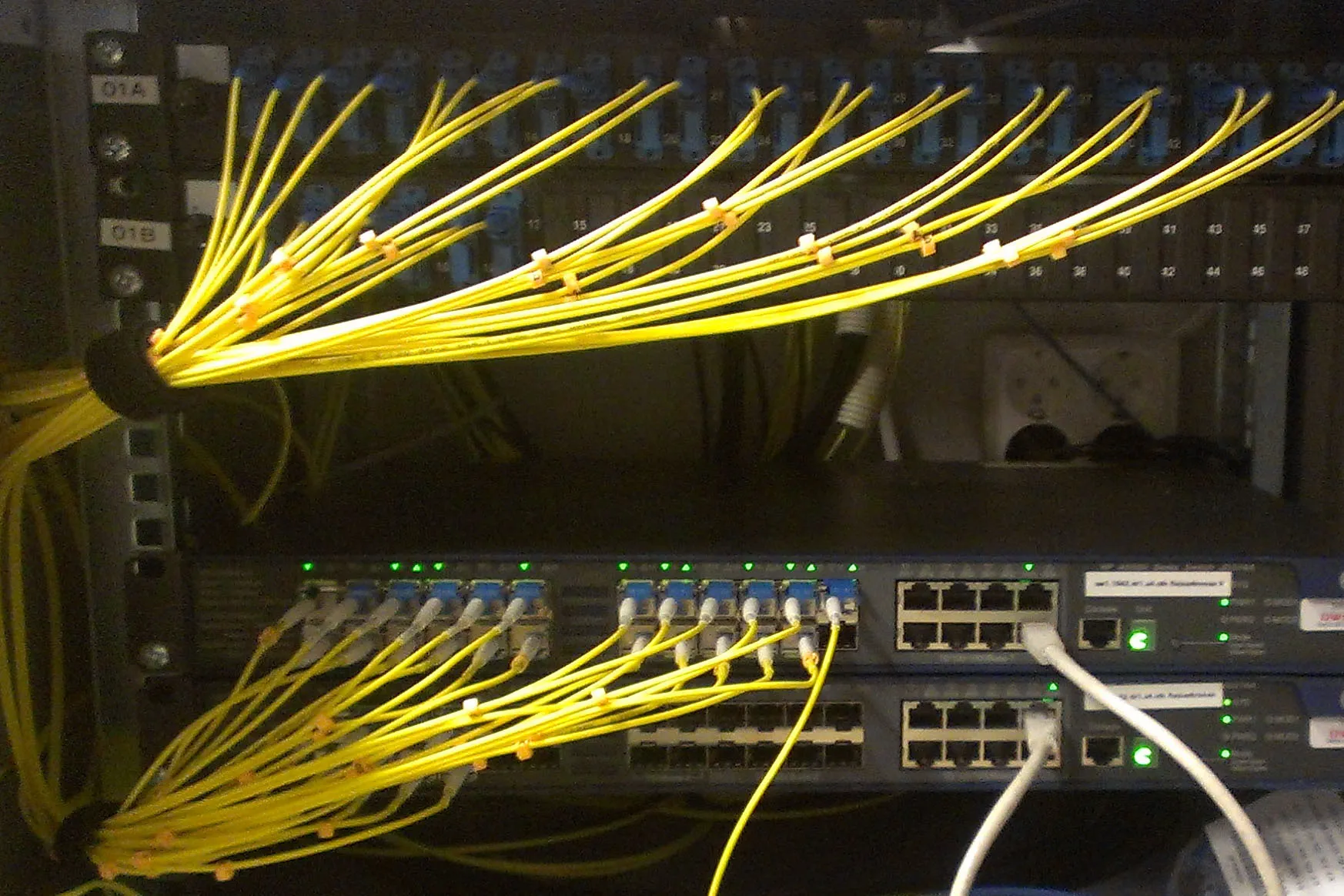
Servers and operations
Servers on site or in the cloud, Active Directory, DNS and DHCP with a standby server, and virtual servers replicated between two hosts so that a broken machine does not stop your business. Restarts and updates happen in planned maintenance windows.
We also handle lighter administration of Linux and FreeBSD, such as firewalls, storage and smaller servers.
Firewalls, networks and remote access
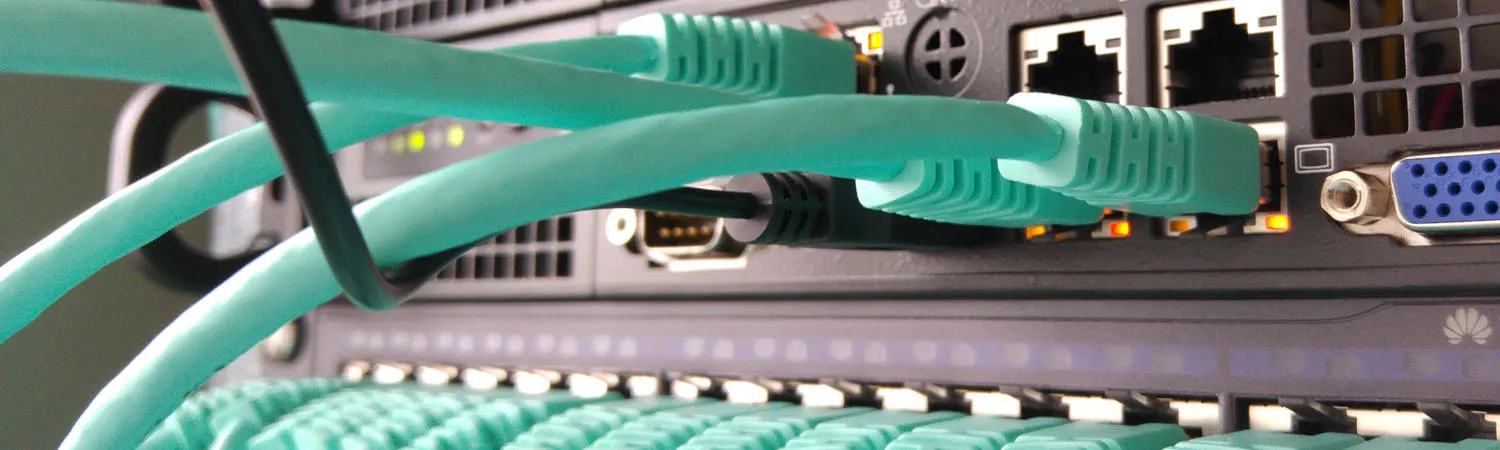
Firewalls running OPNsense, preferably in pairs that take over for each other. Separate networks (VLANs) for office, guests and equipment, wireless networks with UniFi or Zyxel Nebula, and secure remote access with WireGuard. We also build a separate emergency entrance, so the network can be reached even when something has broken.
Monitoring and alerts
Servers, networks and backups can be monitored preventively, with alerts when something looks wrong. Problems are caught early, often before anyone has noticed them.
Backups you can restore
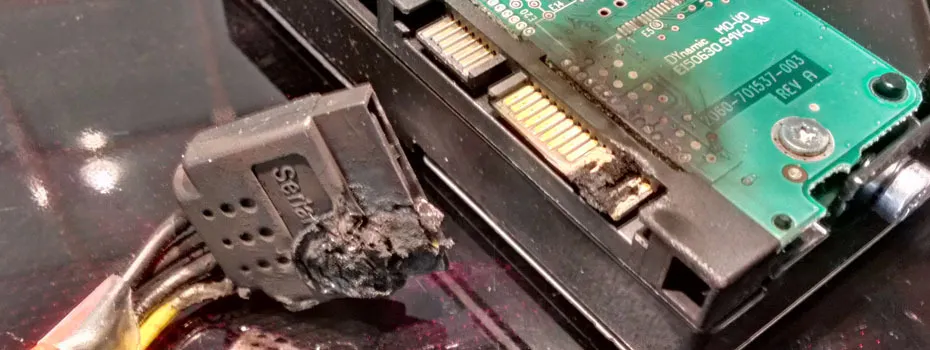
Copies of entire servers every night, alerts when something fails, and restore tests. A backup is only worth something if you can read it back.
Microsoft 365 and Azure
Email, Teams, SharePoint and OneDrive, sign-in and permissions in Entra, computers managed with Intune, and servers and services in Azure when that suits better than on site.
Computers that install themselves
New and reinstalled computers get your applications and settings automatically, over the network or through Intune. Every computer ends up the same, and replacing one that misbehaves is quick.
Healthcare, labs and research
We are used to environments where the equipment must not stop: eye clinics with image archives and diagnostic instruments, pharmaceutical and lab companies with lab systems, and university research environments. There we work with the instrument suppliers and plan changes so that clinics and labs can carry on as usual.
Documentation
We document your environment with network diagrams, IP plans, inventories of servers and devices, and instructions for what needs doing. Much of it is collected automatically and kept up to date. You always have the overview, and whoever takes over after us can start straight away.
Automation and our own tools
When standard software is not enough, we write tools and scripts, mainly in PowerShell, that take care of what would otherwise be done by hand.
Purchasing
We sell computers, screens, servers and licences and set them up for you. We are resellers for HP, Lenovo and Microsoft, among others.
On site and remote
We are based in Stockholm. Support and assignments that can be handled remotely we take on wherever you are, abroad included.
How we start
- A first conversation about how you work and what is not working.
- A review of your environment. We go through what you have and document it.
- A proposal: ongoing support or a defined assignment.
Two-minute IT check
Six questions about what most often goes wrong in small businesses. Your answers stay in your browser. Nothing is sent or stored.
Tell us what you need
Email us or message us on Teams and we will get back to you.